

Nequi Payment Flow
Nequi is Colombia’s leading mobile wallet. Payments are completed via push notification — the buyer approves the payment directly in their Nequi app.How it works
1
Create order
Call
POST /v1/orders with the buyer’s phone_number, id_number, id_type, and the id_payment_gateway for Nequi.2
Buyer receives push notification
Nequi sends a push notification to the buyer’s phone. The buyer opens the Nequi app and approves the payment.
3
Payment confirmed
Once the buyer approves, the order status changes to
confirmed. You receive a webhook notification, or you can poll for the status.Customer experience
- Customer receives push notification on their phone
- Opens Nequi app to review payment details
- Confirms or rejects the payment within the Nequi app
- Receives confirmation within the app
Suggested UX implementation
Show these steps to the user (in Spanish)
Display the following instructions to the buyer while waiting for payment approval:- Recibirás una notificación push en tu teléfono
- Revisa los datos y acepta el cobro
- Tu compra se procesará automáticamente
Processing animation
Use the following GIF to give the buyer visual context while waiting for them to approve the payment in Nequi: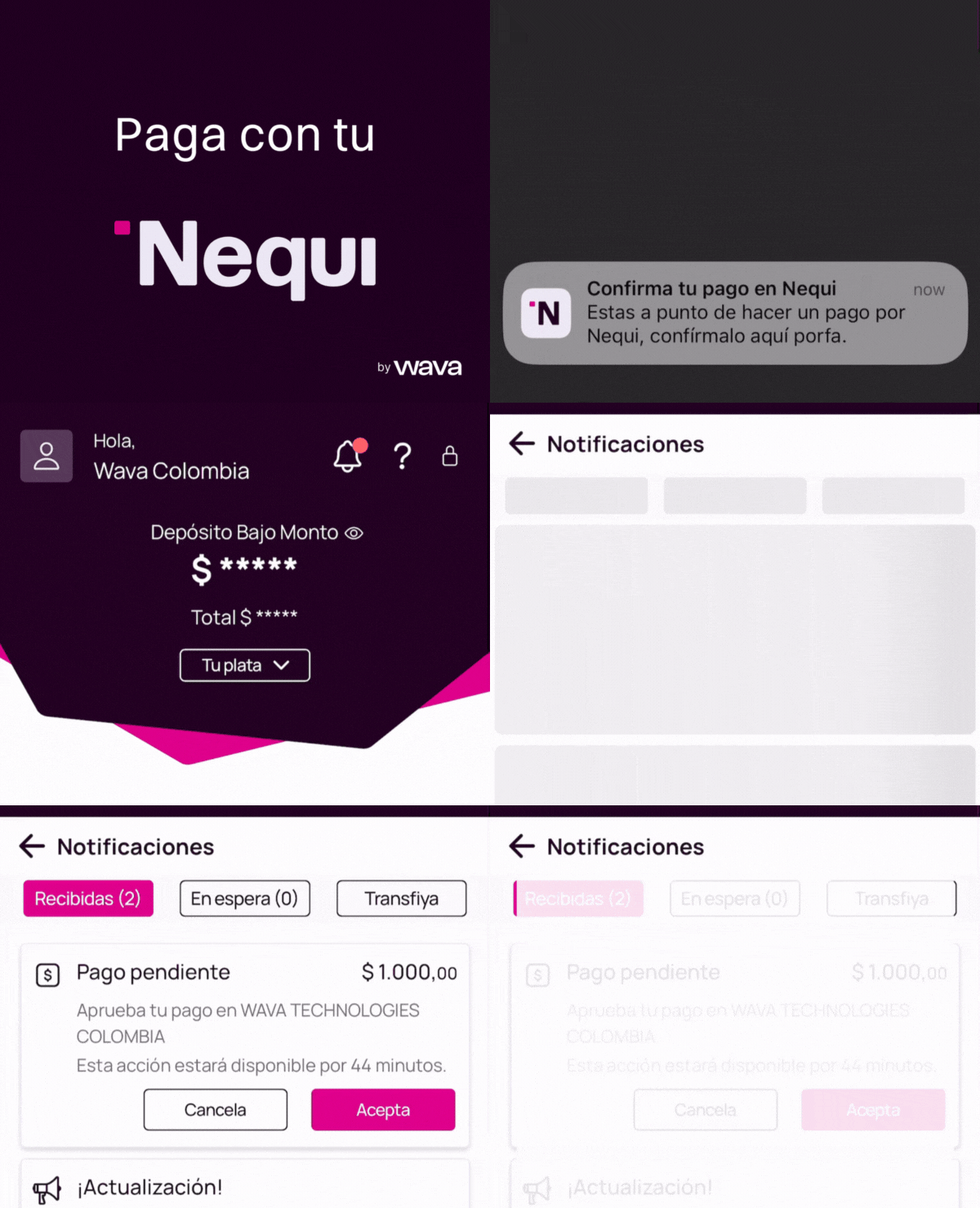
Required fields
Example request
Example response
Important notes
- The buyer has a limited time window to approve the push notification before it expires.
- If the notification expires, the order remains in
processingstatus. You can cancel it and create a new one. - While Nequi uses the phone number for the push notification, national ID fields (
id_numberandid_type) are required on all direct API orders for compliance purposes.
Development testing
In the sandbox, Nequi push notifications are simulated. To confirm an order, callGET /v1/orders/{orderId} with the order ID. This call will automatically confirm the order and trigger the webhook.